A really straightforward tutorial on Django installation and the first Demo and tutorial
First, we create a virtual environment to not make a mess of dependencies later on.
Here we use conda and we are specifying Python version 3.9

Then we just install Django without giving too many damns about the version etc.

Now time to check if the installation was successful by

and of course, it was successful, this is kids level things right now

now create a project called tutorial

If we use “tree” ( a bash script command to check the contents of a folder)
We can see
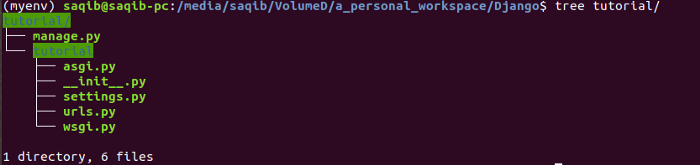
And change the directory to the tutorial folder by “cd tutorial” (change directory)
We can start the server right away before doing anything further
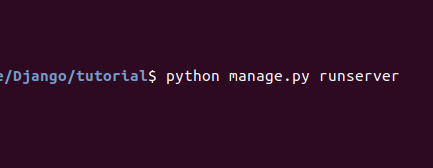
where manage.py is an interface python script that starts the barebone Django server.

The server is started on 127.0.0.1:8000
And just heading over to your browser or clicking on the address above will take you to your empty Django server.
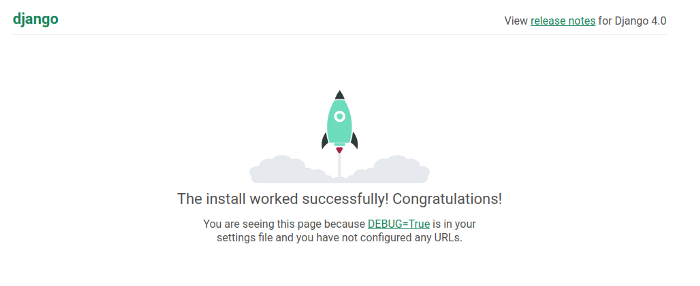
And congrats,
You have just created a Django server, by doing almost nothing at all
Let a small dose of accomplishment refresh you, have a sip of water, and put some excited internal jumping around in your head over your mini achievement.
And then get on to the next step of actually creating something in Django.
 Saqib Farooq