Straightforward, distraction-free exploration of pythonanywhere
Create your account, simple enough to do it!

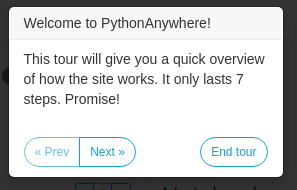
It even gives a small tour of the layout of the dashboard!
I really like that it’s simple enough and doesn’t waste hours on just the tutorial.
It’s really small and to the point and that is what I like about it.
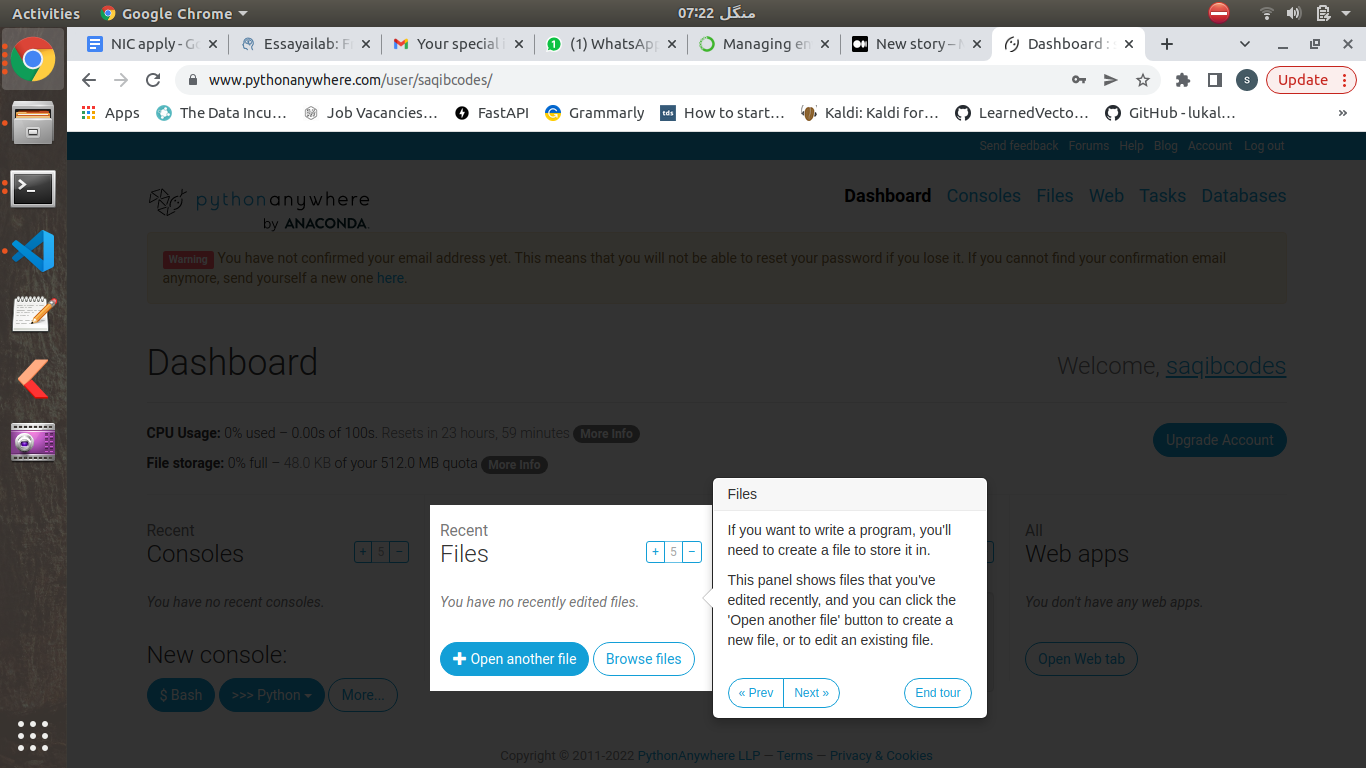
You can head over to the Files section, and open a new file.
It can be named whatever you want of course, But I named it “Helloworld.py” to keep the longstanding tradition of writing “hello world” of programmers.
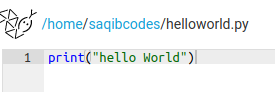
And print “Hello World” of course.
Dont Mind the uneven capitalization. We are all programmers here!
And Hello world indeed!
Used bash console to run the script like a pro.
This was to check whether the console and everything works , and whether further effort should be put in “pythonanywhere”, or should I take my python to “somewhereelse”!

A small break, do whatever you want with the very small dose of achievement!
I’ll sleep for 5 min!
Now using our FREE and honestly very limited resource on pythonanywhere.com to create a miniature app.
I decided to just show the current time!
Used “time” module which comes with python.
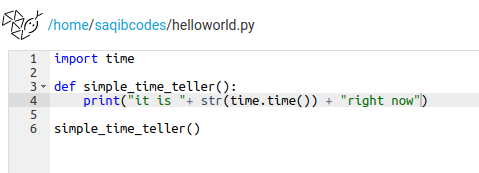
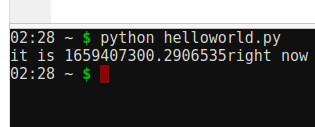
But that was very unsatisfactory to see time in such a jumbled-up way.
This is only fit and easier for bots and programs. Making sense of time like this is easier when writing programs and dealing with time as a value.
Now there are ways to parse this into human-readable format. But there is no need to reinvent the wheel in python and shame on just borrowing it.
So we import datetime module.
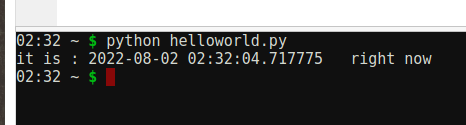
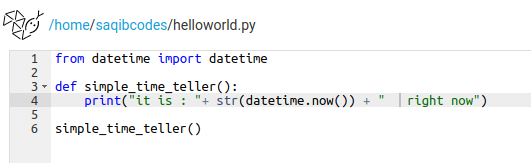
That looks so much better!
Except that whose time did it just show?
Which timezone? I don’t know that!
We had no control over that.
For that, we can just import pytz, and install it too if need be!

To see all timezones available in pytz , we use pytz.all_timezones function!
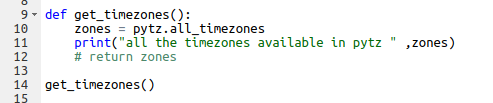

And we get a lot on a list!
Quickly refactoring the code into a proper one with class and __init__ and all!
Cause I felt I am onto something, and the simple tutorial has become something I would want to work on further in the future.
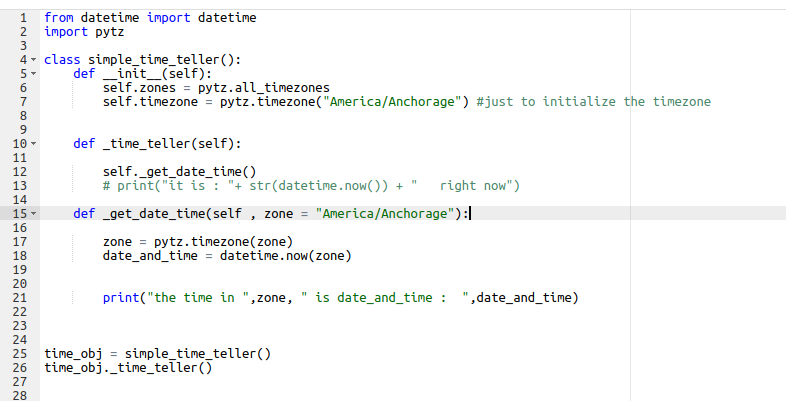
Maybe to create a webapp to show time. (For no reason but to use the FREE resources I have in pythonanywhere.com)
And ofcourse it works too.
Quite simple for now, the result just showing up in the console using print.

Next up is to use this in a simple Django Web_app, and then publish it as well, all on pythonanywhere.com for no reason whatsoever but cause I can.
That too for FREE.
https://www.freecodecamp.org/news/how-to-get-the-current-time-in-python-with-datetime/
 Saqib Farooq
Nice
LikeLike